

5 signs you should switch to Business Central.
Is your accounting software holding your business back? This guide helps you recognise the warning signs, and understand what a modern ERP like Microsoft Dynamics 365 Business Central does instead.
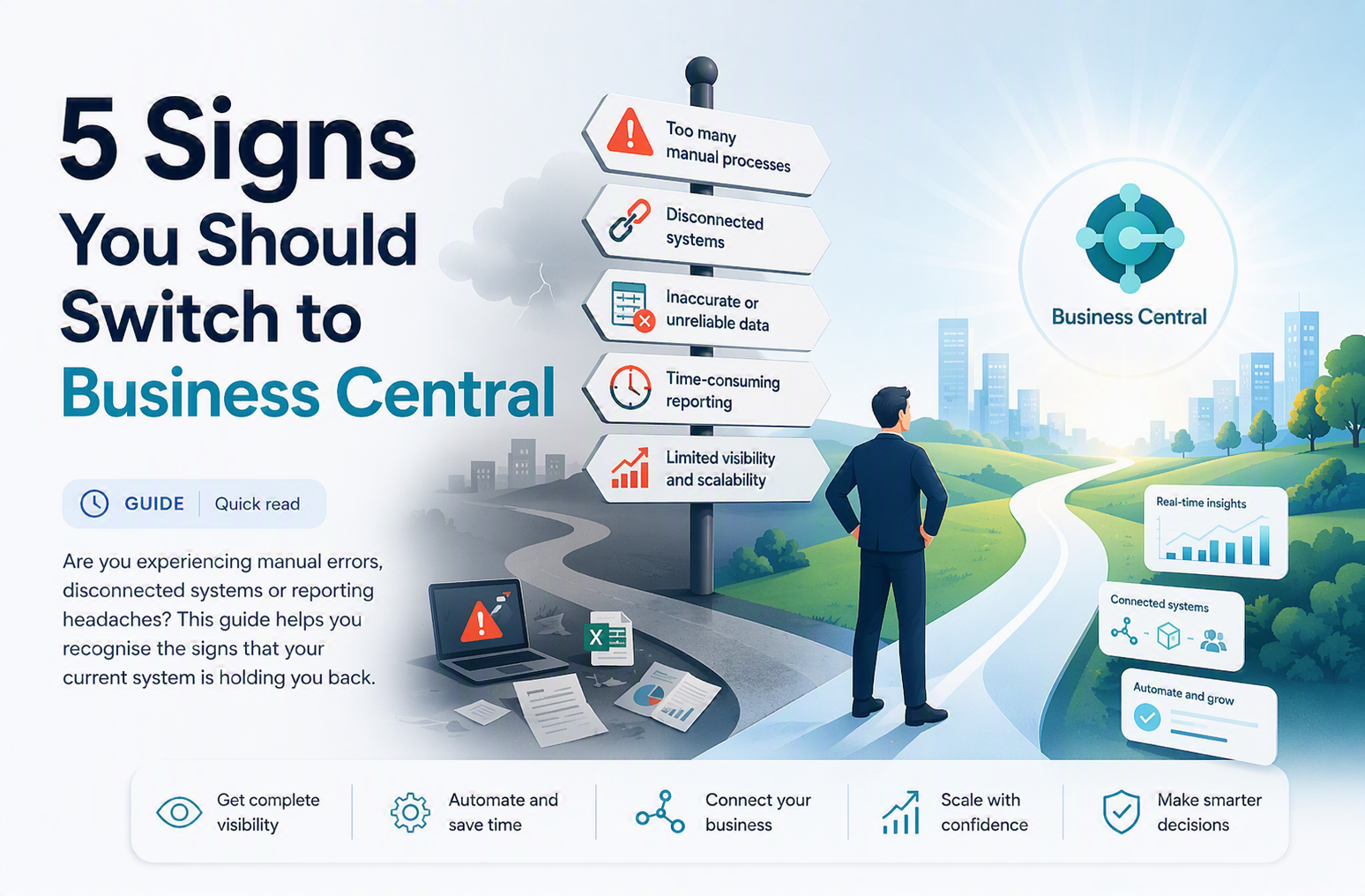
When your system is the thing holding you back.
When a company is growing quickly, it is easy to miss the things that are quietly holding it back. Most businesses fall into the mindset of "this is how it has always been done" and forget to regularly assess whether their tools are still fit for purpose.
In our experience, outdated accounting software is one of the most common constraints on SMB growth. The good news is that once you are aware of the problem, it is straightforward to fix. Here are the five warning signs we see most often.
What to look for, and what to do about it.
Data headaches
You spend a lot of time merging and reporting data in Excel, and once you are done the data is already outdated. When information is locked away and only a few people can access what they need, everyone works from different versions. It is worse still when that data sits on one person's computer and they are on holiday.
Power BI connects directly to Business Central, merging multiple data sources into a single live view. Our Business Central reporting guide explains the four reporting layers in detail. Your team stops collating spreadsheets and starts actually analysing. Real-time data, accessible anywhere, with no copy-and-paste errors.
Integration chaos
You have a variety of different systems that do not talk to each other, so your numbers do not match. Each department has its own set of tools, and when you ask them to bring their data together the figures simply do not add up. You have been adding a new tool every time the current system was missing something.
Business Central has multiple functionalities that grow with your business, from finance to distribution to timesheets. Instead of purchasing a new tool for every gap, you turn on the functionality you need inside Business Central. Data flows as before, and your reporting is finally consistent.
Buffering
Your system has become slow and cumbersome, and updates take longer and longer to complete. Every software upgrade takes more time because of all the other systems that also need upgrading. Your team is losing significant hours to system maintenance alone.
Business Central is cloud-native. Your system is always on the latest version automatically, with no manual upgrades, no downtime and no compatibility issues. Database storage is included in the monthly licence cost, so there is no separate capital expenditure for infrastructure either.
Help!
Your supporting documents and reports are scattered across different applications, server folders and hard drives. As the team grows, it becomes increasingly important to have this information centralised, so that everyone who needs access does not have to rely on someone else to get it.
Business Central integrates natively with Microsoft Teams, Outlook and Excel. Discuss specific business situations in Teams using supporting documentation from Business Central. Review and attach information from BC in Outlook. Have your Excel spreadsheets connected directly to the database, so there are no more saved versions.
Threats identified
Are you spending more and more on third-party software to protect your business data? Are you confident your current systems can withstand increasingly sophisticated IT security threats? A lot of businesses are not doing enough on security, exposing their data and systems to real risk.
With the Microsoft Cloud, security is part of the package. Microsoft business solutions have built-in security systems that help protect your database and the information it contains from unauthorised access. Always updated, always current, with no separate security software required.
It's probably time to start considering the switch.
We get it, you are worried about the costs and resources required. The good news is that system implementations do not have to be costly and painful. The key is choosing a solution that can grow with your business, broken down into manageable steps.
Start by implementing just the financial system, which is the first step in the right direction. You can add extra functionality as you need it, meaning you never need to think about a re-implementation later. See how a 90-day implementation works in practice.
Start with a list of clear objectives. Curate your must-haves versus nice-to-haves. Put your list in priority order. Then find the right system to grow with you.
Switching accounting systems: common questions.
How do I know if we have outgrown our accounting software?
The clearest signal is the spreadsheet test. If your finance team exports data every month and rebuilds the same workbook to produce management accounts, the software is no longer doing its job. Other common signals are adding a second legal entity, needing multi-currency, or systems that do not reconcile with one another. Compare your current system directly: Sage & Xero vs Business Central or QuickBooks vs Business Central.
Is Business Central only for large businesses?
No. Business Central is designed to scale from small teams up to large enterprises. It is typically the right next step for businesses that have outgrown entry-level accounting software and need proper audit trails, multi-user access, dimension-based reporting and a platform that grows with them.
Do we have to implement everything at once?
No, and we would advise against it. Start with core finance through a fixed-price Kickstart pack, then add inventory, projects or warehousing as separate phases once the team is comfortable and the data is clean. Trying to implement everything simultaneously is the most common reason ERP projects fail.
How much does switching to Business Central cost?
Three costs: a fixed-price implementation pack, the Microsoft Dynamics 365 licence (per user, per month, set by Microsoft), and a monthly support plan. Many partners add a separate scoping fee of £20,000 to £50,000 on top. Truly SMB does not charge one, scoping is included in the pack price.
How long does implementation take?
For a standard finance-first implementation, around eight weeks from project start to go-live. That covers configuration, data migration, training and go-live support. Additional modules are added afterwards as separate phases rather than extending the first project.
Truly SMB offers fixed scope, fixed price implementations.
You always know what you are getting before you sign. Start with what you need today and grow from there, with no open-ended consulting bills and no surprise scope creep.


